How to Receive Verification Codes While Traveling Overseas (2026)

10
JUL
674 views
How to Receive Verification Codes While Traveling Overseas (2026)
International travel today involves much more than flights, hotels, and sightseeing. Whether you're traveling for business, studying abroad, working remotely, or taking a holiday, your digital identity travels with you.
Every day, travelers access dozens of online services that require identity verification before granting access.
These include:
· Email accounts
· Banking apps
· Business platforms
· Social media
· Cloud storage
· Shopping websites
· Travel bookings
· Corporate systems
Many of these services protect your account using verification codes sent via SMS, authentication apps, email, or push notifications.
While this additional security protects your personal information, it can also become frustrating if you suddenly stop receiving verification codes after arriving in another country.
Fortunately, most authentication problems can be prevented with proper planning.
This guide explains how different services deliver verification codes, why they sometimes fail while traveling, and the best ways to stay connected without compromising your account security.
What Are Verification Codes?
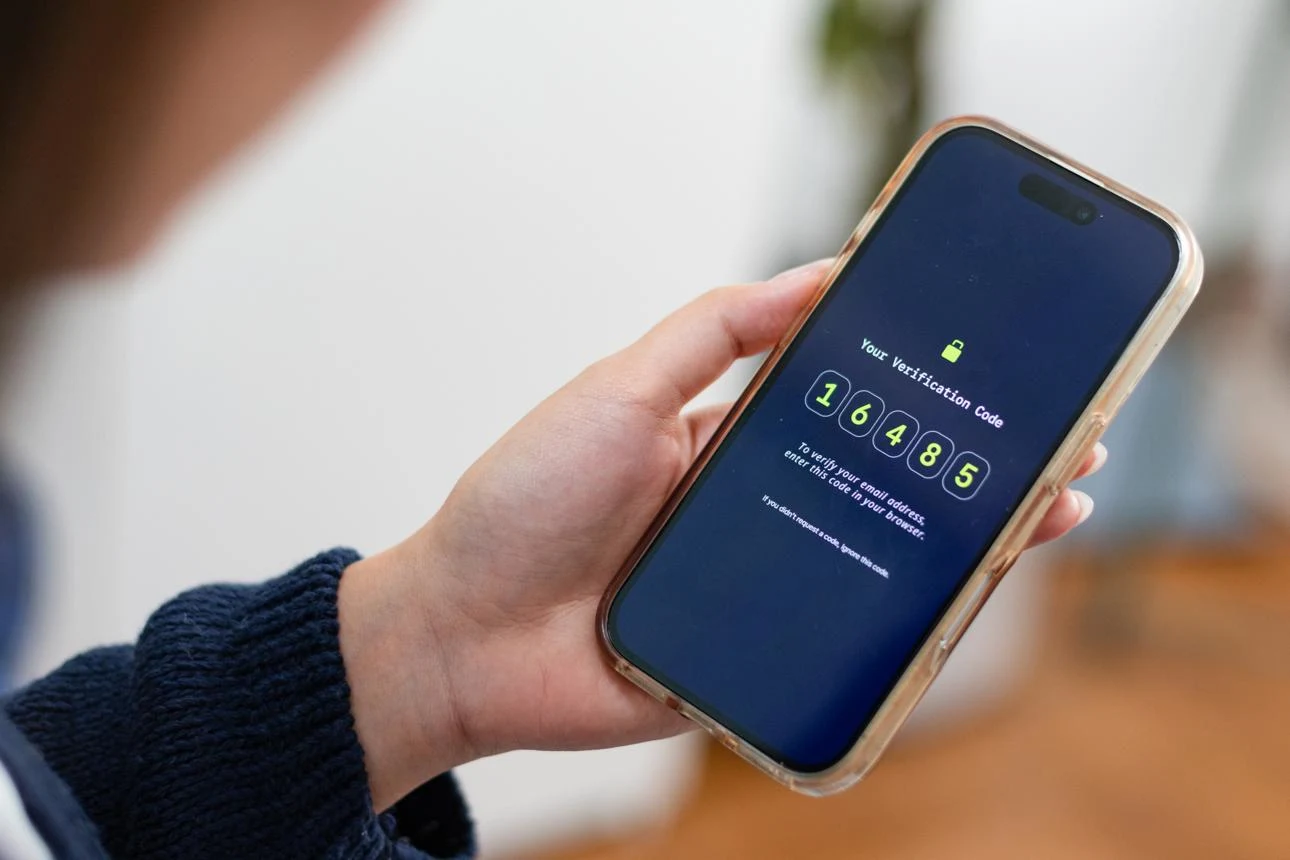
Verification codes are temporary security credentials used to confirm your identity before allowing access to an account or approving a sensitive action.
They may be required when:
· Logging into an account from a new device
· Signing in from another country
· Resetting a password
· Approving online payments
· Changing security settings
· Confirming identity after suspicious activity
These codes help prevent unauthorized access even if someone knows your password.
Why Verification Codes Become More Common While Traveling

Many online services monitor account activity continuously.
If they detect a login from another country, another device, or an unfamiliar network, they may trigger additional authentication.
Examples include:
· Google detects a login from another country.
· Microsoft notices a new laptop.
· Facebook sees an unfamiliar IP address.
· Amazon identifies an unusual purchase.
· Your employer detects a login from overseas
Rather than blocking access completely, these platforms usually ask you to verify your identity.
This additional security protects your account while you're away from home.
Different Types of Verification Methods
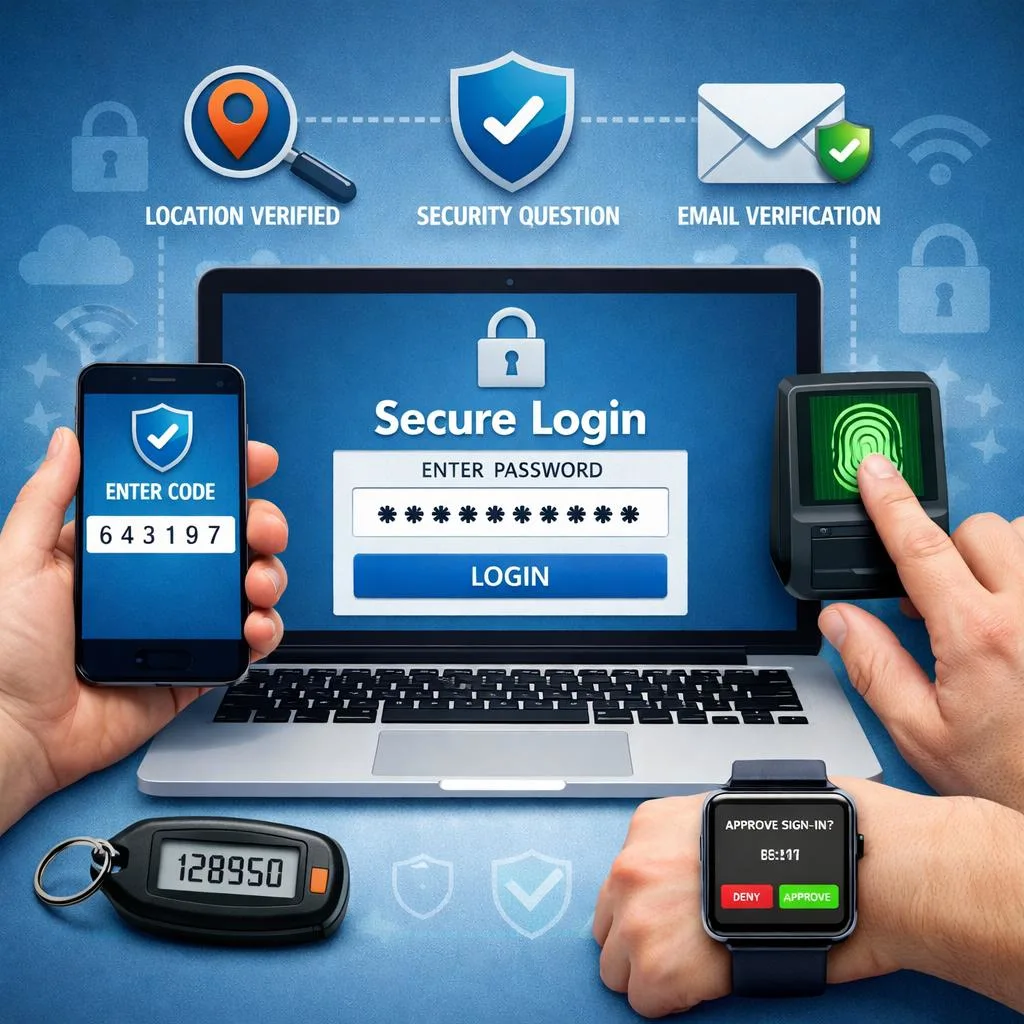
Not every organization verifies users in the same way.
Modern authentication commonly includes:
SMS Verification
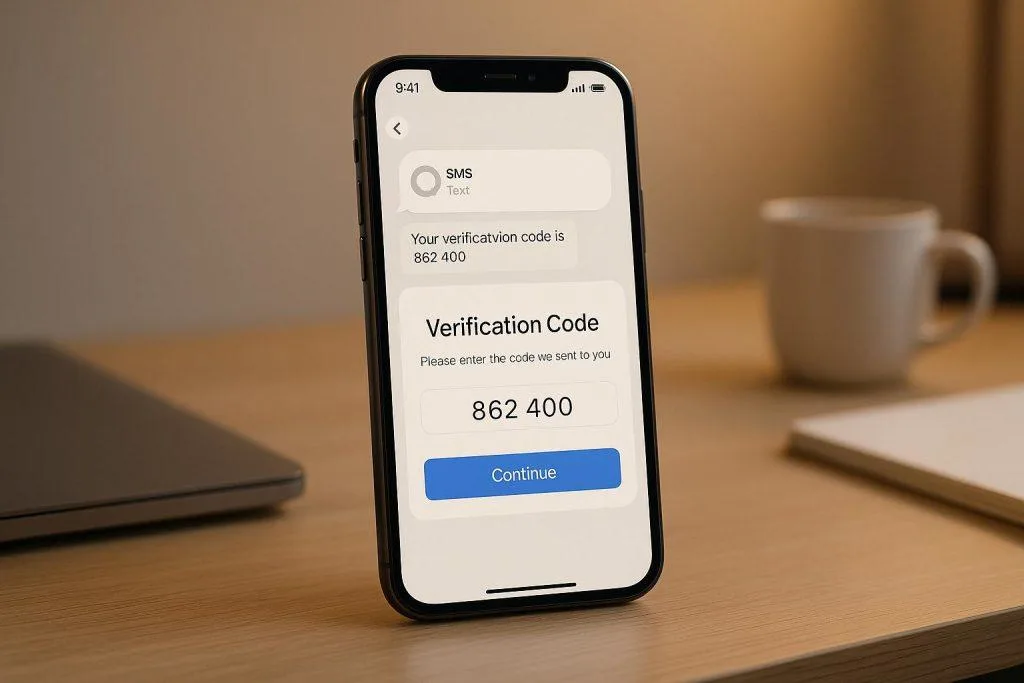
Temporary verification codes sent to your registered mobile number.
Authentication Apps
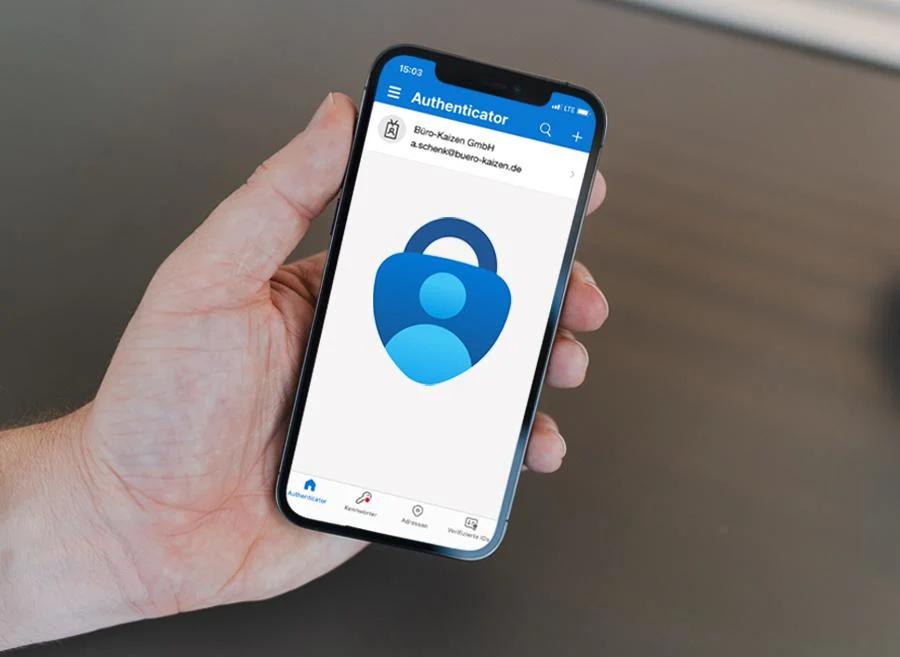
Applications such as:
· Microsoft Authenticator
· Google Authenticator
· Authy
· Duo Mobile
generate secure verification codes directly on your device.
Push Notifications
Many services now send approval requests directly to your smartphone instead of SMS.
Email Verification
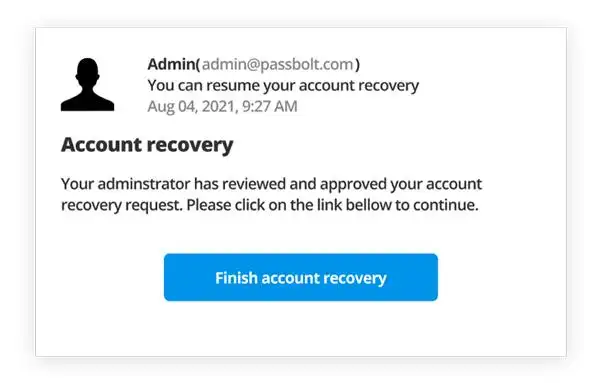
Some services send verification links or security codes to your recovery email address.
Security Keys and Passkeys
Many organizations now support hardware security keys and passkeys for passwordless authentication.
Google Account Verification While Traveling
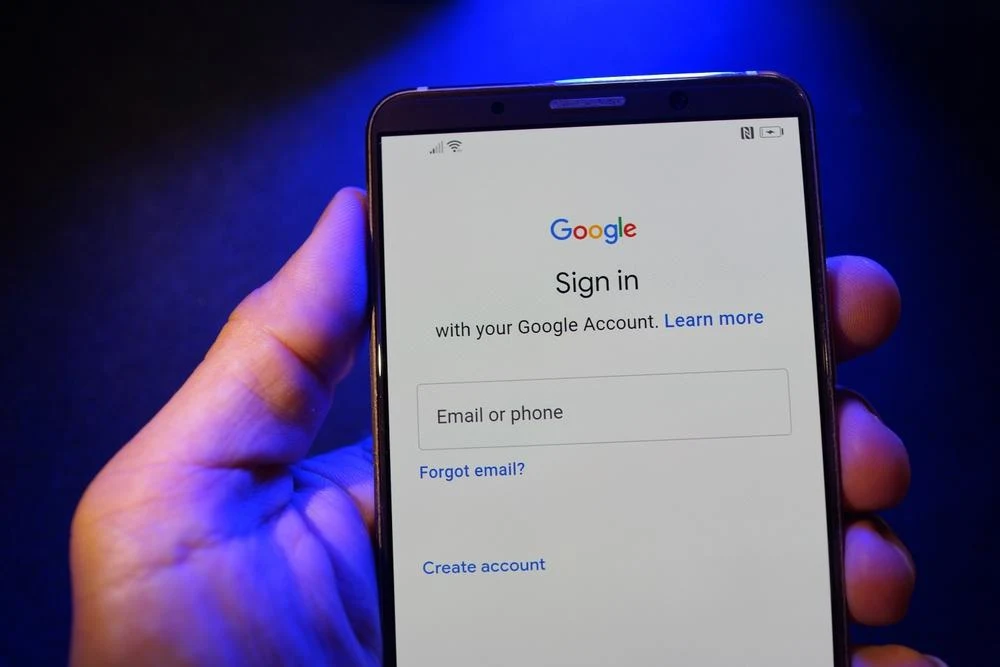
Google protects Gmail, Google Drive, Google Photos, and other Google services using several authentication methods.
Depending on your security settings, Google may verify your identity through:
· SMS
· Google Prompt
· Authenticator App
· Recovery Email
· Passkeys
Before traveling, verify that your recovery information is current and that your preferred authentication method is available.
Apple ID Verification Abroad
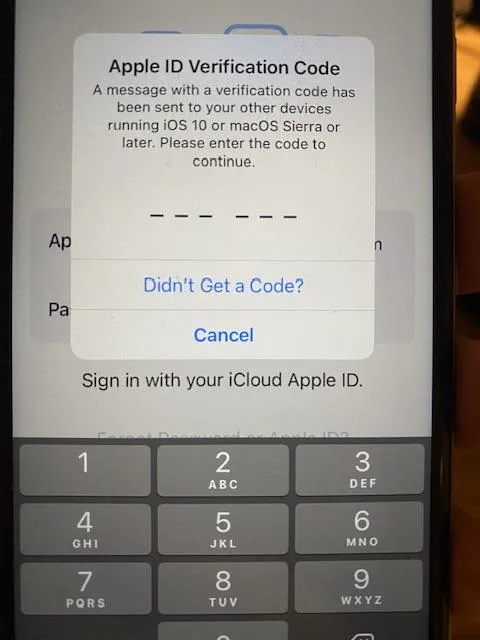
Apple protects Apple ID accounts with two-factor authentication.
Verification may occur when:
· Logging into a new Apple device
· Signing into iCloud
· Making purchases
· Resetting passwords
Apple commonly delivers verification through:
· Trusted Apple devices
· Trusted phone numbers
· SMS
· Push notifications
Ensure your trusted phone number remains accessible during travel.
WhatsApp Verification
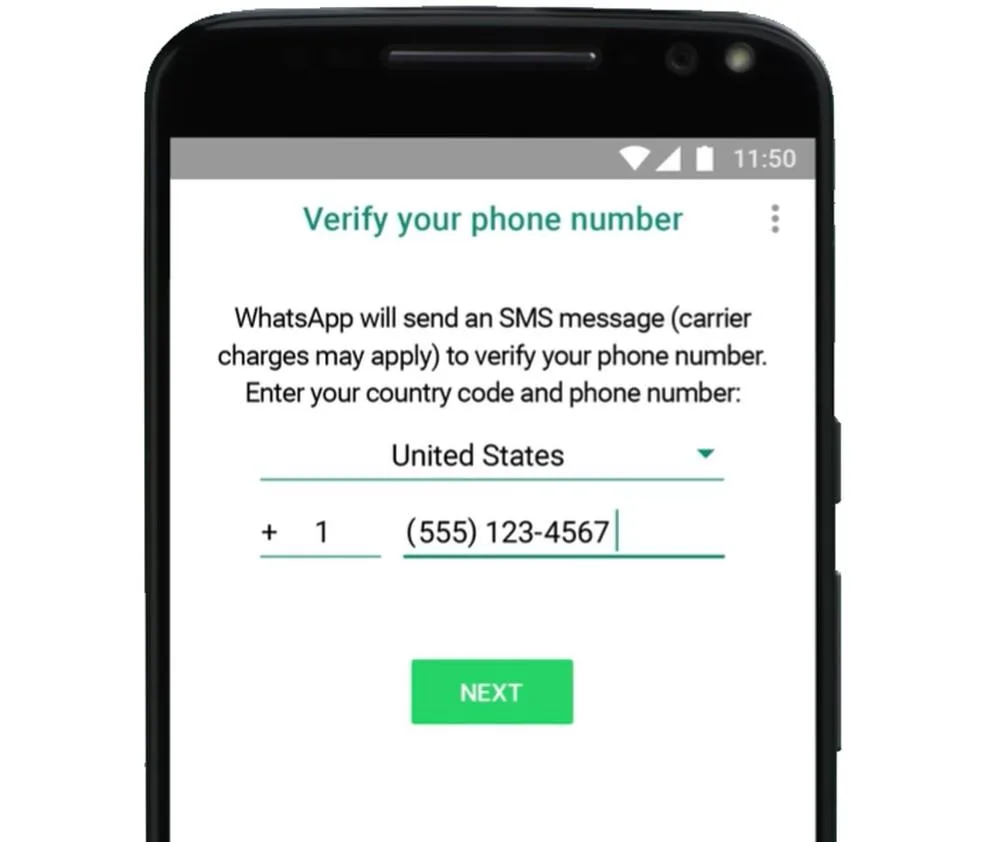
WhatsApp primarily verifies accounts using SMS.
If reinstalling WhatsApp or changing devices while traveling, you'll normally need access to the phone number already associated with your WhatsApp account.
Removing access to that number may delay account activation.
Microsoft Account Verification
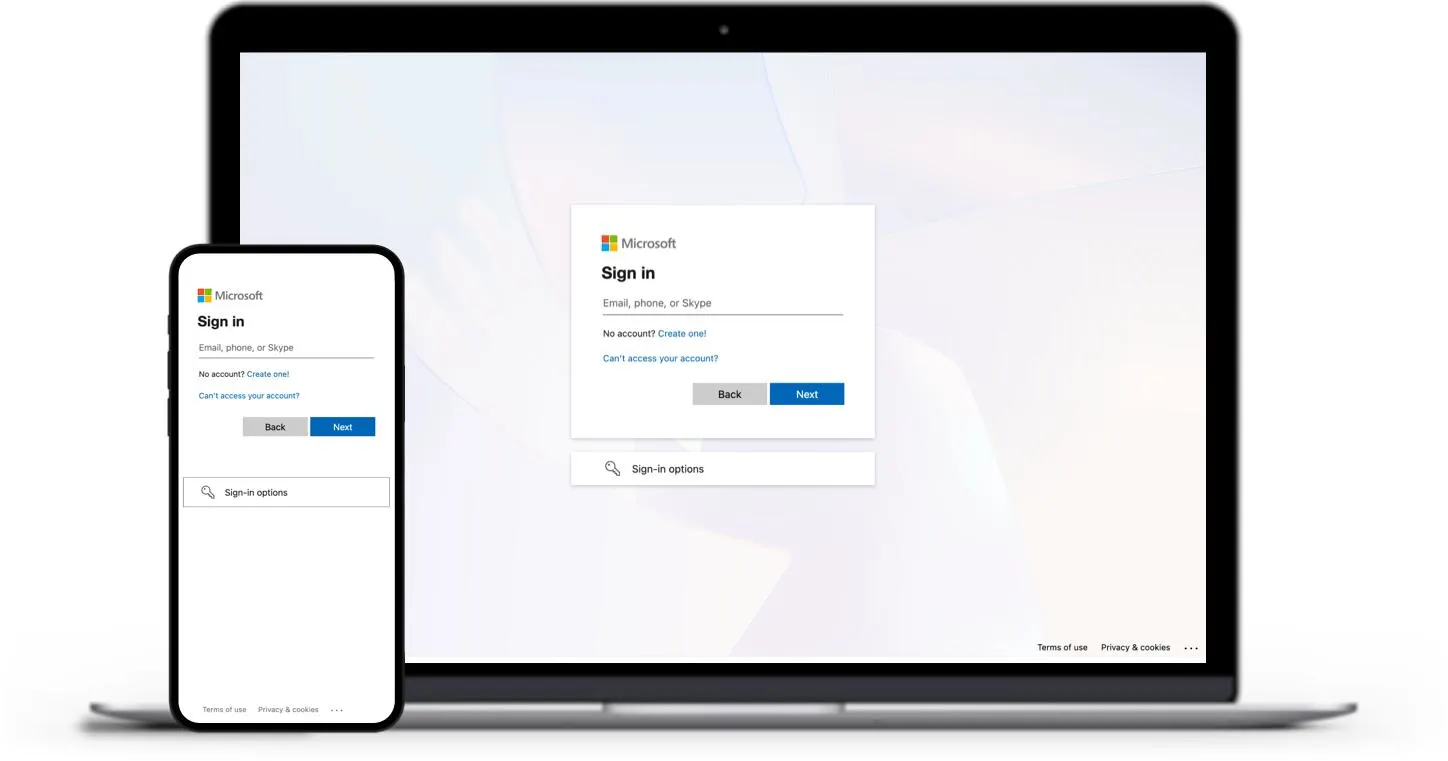
Microsoft protects:
· Outlook
· Microsoft 365
· OneDrive
· Teams
· Azure
· Windows accounts
Authentication methods may include:
· Microsoft Authenticator
· SMS
· Push notifications
Business travelers should confirm corporate authentication policies before departure.
LinkedIn Security Verification
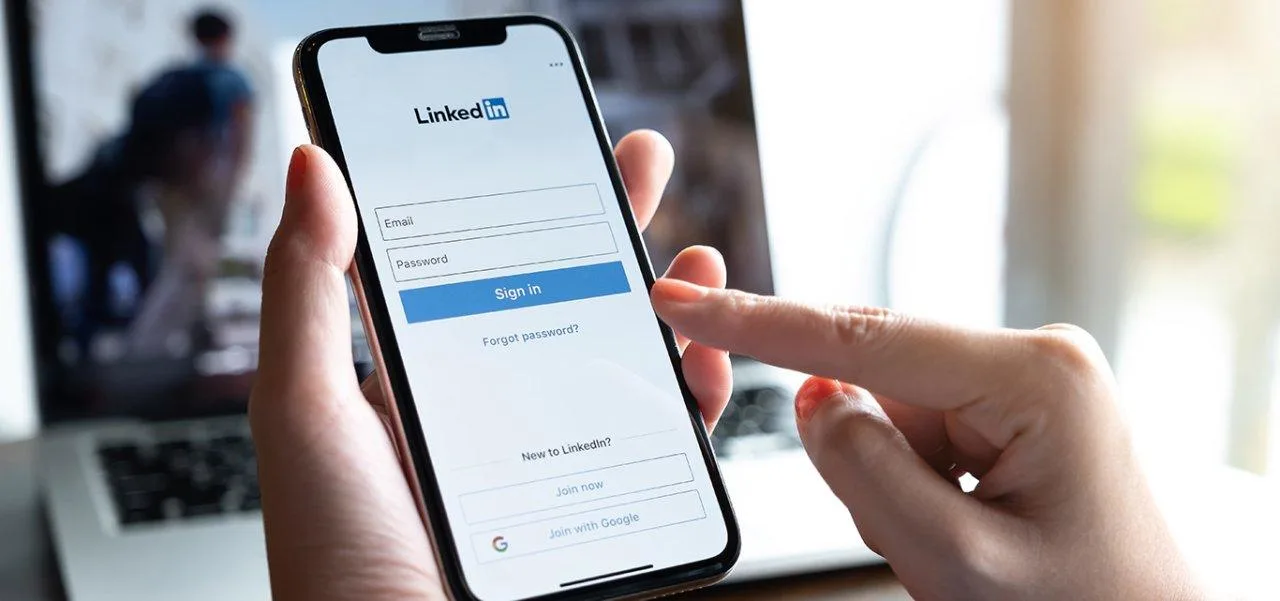
LinkedIn may request additional verification when:
· Logging in from another country
· Accessing from a new browser
· Updating security settings
Verification methods include:
· SMS
· uthenticator Apps
Maintaining access to your registered contact information helps simplify account recovery.
Facebook and Instagram Security Checks

Meta platforms monitor unusual login activity closely.
When suspicious activity is detected, verification may involve:
· SMS
· Identity confirmation
· Device recognition
Keeping recovery options updated reduces the likelihood of account lockouts.
Amazon Account Verification
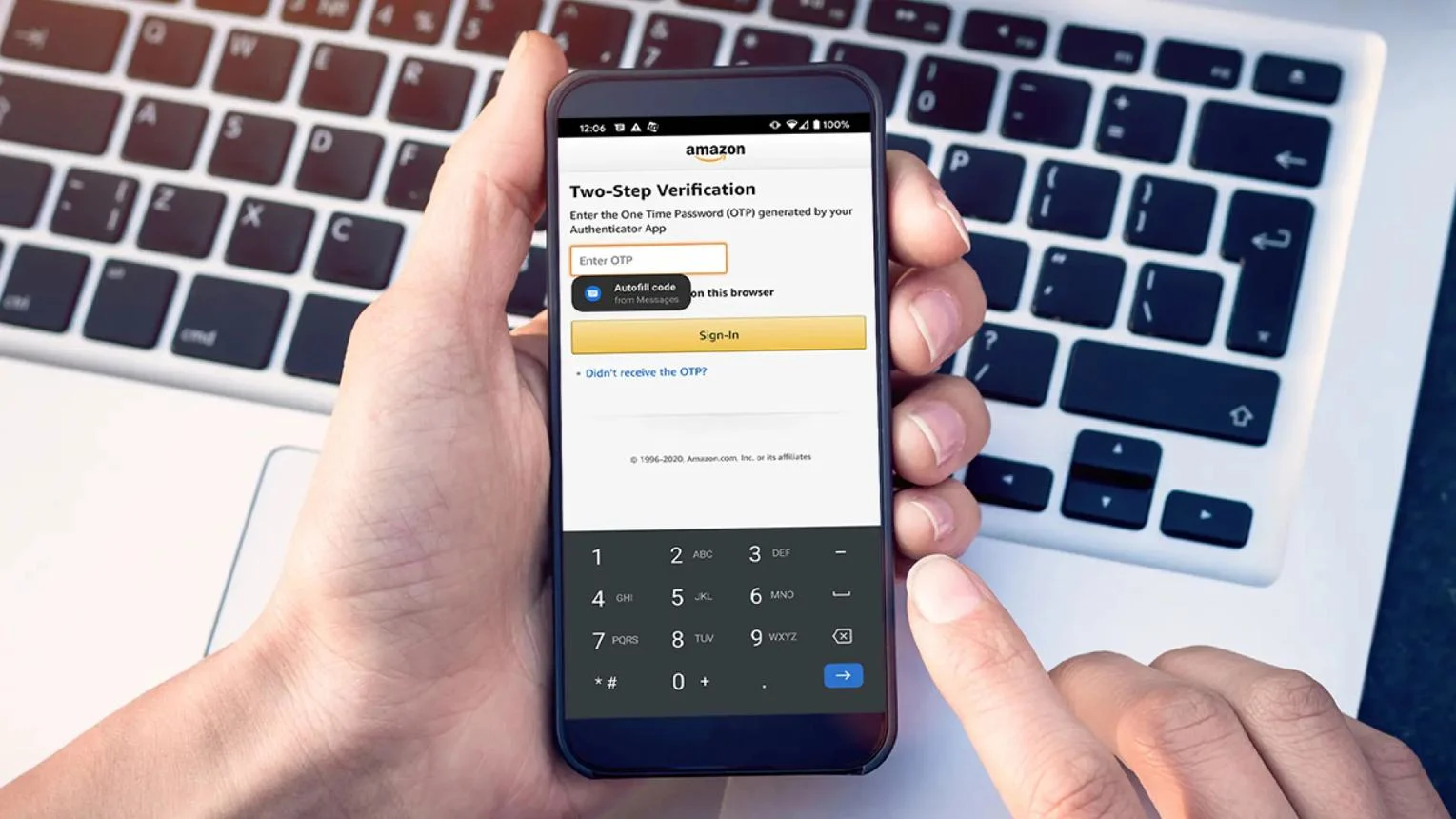
Amazon may request additional verification for:
· Large purchases
· New delivery addresses
· International logins
· Payment updates
Depending on account settings, verification may occur through:
· SMS
· Authenticator apps
Banking Verification
Banks remain among the largest users of SMS verification.
However, remember an important principle:
Banks generally send verification codes to the phone number registered with the account—not automatically to a newly installed travel eSIM.
For most travelers, the recommended approach is:
· Keep your home SIM available for banking OTPs.
· Use a travel eSIM for mobile data, voice calling (where supported), and everyday connectivity.
Corporate Account Verification
Many employers secure business systems using Multi-Factor Authentication (MFA).
Examples include:
· VPN access
· HR portals
· CRM systems
· Cloud platforms
· Payroll software
Depending on company policy, verification may occur through:
· SMS
· Authenticator apps
· Hardware security keys
· Push notifications
Business travelers should review authentication requirements before departure.
Why Authentication Apps Can Simplify International Travel
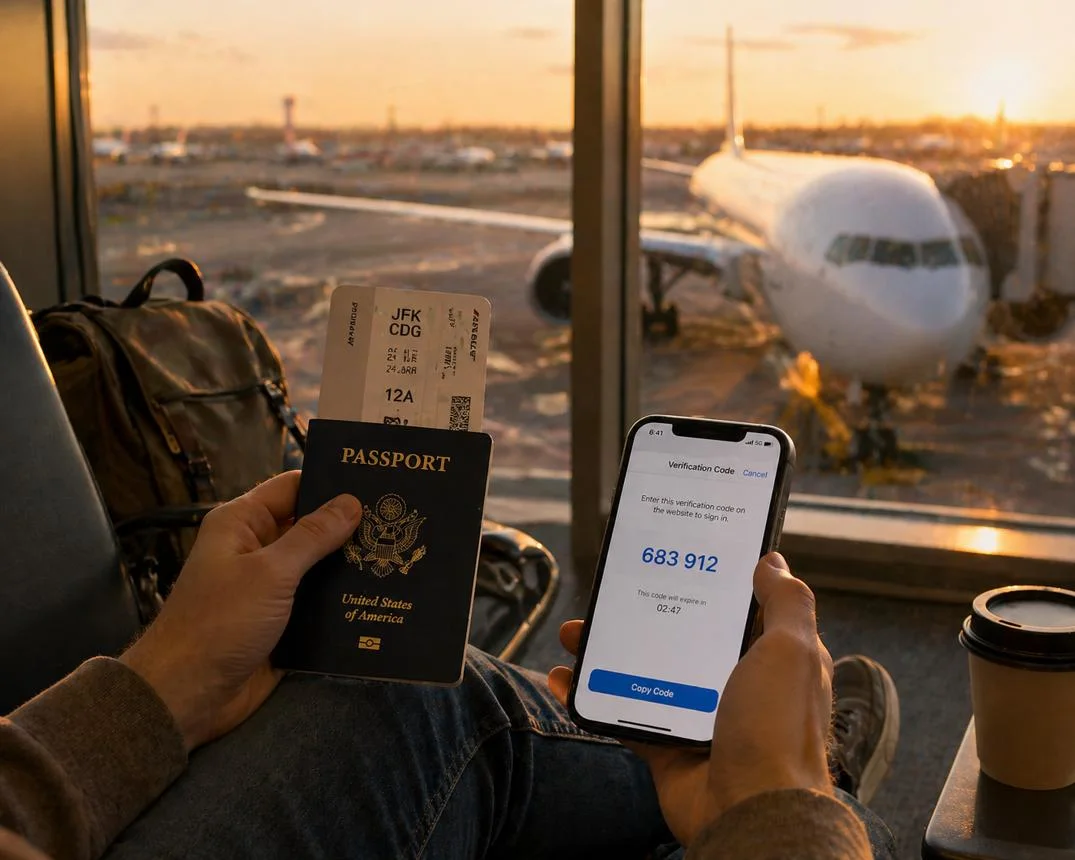
Many organizations now encourage authentication apps because they reduce dependence on SMS.
Advantages include:
· Works without waiting for SMS delivery
· Generates codes locally on your device
· Faster login experience
· Additional security
Where supported, enabling an authenticator app before your trip can provide a useful backup if SMS delivery is delayed.
Best Setup for Receiving Verification Codes Overseas
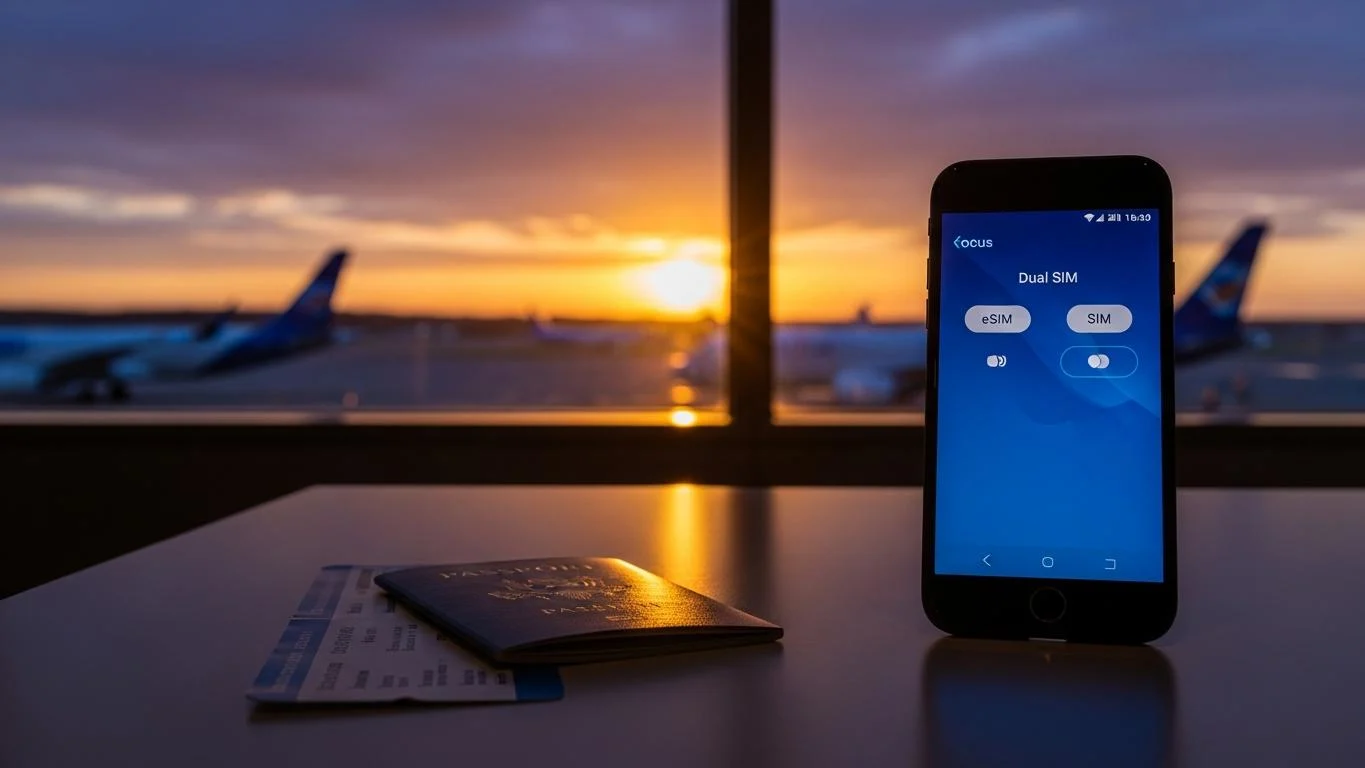
A practical setup for most international travelers includes:
Home SIM
Use for:
· Existing SMS verification
· Banking OTPs
· Long-term registered services
Travel eSIM
Use for:
· High-speed mobile data
· Voice calling (where supported)
· SMS on the travel eSIM number (where supported)
· Internet connectivity for authentication apps and account access
This combination provides flexibility without changing your established digital identity.
Common Mistakes Travelers Should Avoid
Avoid these common issues:
· Removing your home SIM without planning.
· Assuming every eSIM supports SMS.
· Waiting until arrival to install your travel eSIM.
· Ignoring account recovery settings.
· Forgetting backup authentication methods.
· Relying entirely on public Wi-Fi.
Preparation before departure significantly reduces authentication problems.
Identity verification has become an essential part of modern travel.
Whether you're accessing Google, Apple, Microsoft, WhatsApp, LinkedIn, Facebook, Amazon, banking services, or corporate accounts, maintaining reliable access to verification methods helps ensure uninterrupted access throughout your journey.
The best strategy is simple:
· Keep your primary registered number available for existing verification services.
· Use a travel eSIM for secure, reliable internet access and, on supported plans, voice calling and SMS.
· Configure backup authentication methods before departure.
With the right preparation, you can travel confidently knowing that your digital identity remains accessible wherever you go.




Latest post

18 Jul 2025

09 Jul 2026

08 Jul 2026